| Model: | Lab.A1、Axio Scope A1 |
|---|---|
| Function: | Optical observation of substrate surface |
| Engineer: | Wang; Fu / +86-21- 34206126-6005 / 34206126-6010 / fdwang@1; xuecheng.f@1 |
| Location: | West Area – Lithography I, Thin Film IA; |
| Equipment ID: | WPHZMIC02、WF2ZMIC01 |

Optical observation of substrate surface.
It realizes the magnification and imaging of tiny objects through the combination of two sets of lenses, namely the objective lens and the eyepiece.
Reflected light mode; Objective magnification includes: 5X, 10X, 20X, 50X, 100X
The basic principle of an optical microscope is to magnify and image tiny objects through the combination of two sets of lenses: the objective lens and the eyepiece.The objective lens magnifies the object and forms an inverted real image, while the eyepiece further magnifies this real image to form an erect virtual image for observation by the user.
Photograph taken with 5X objective lens
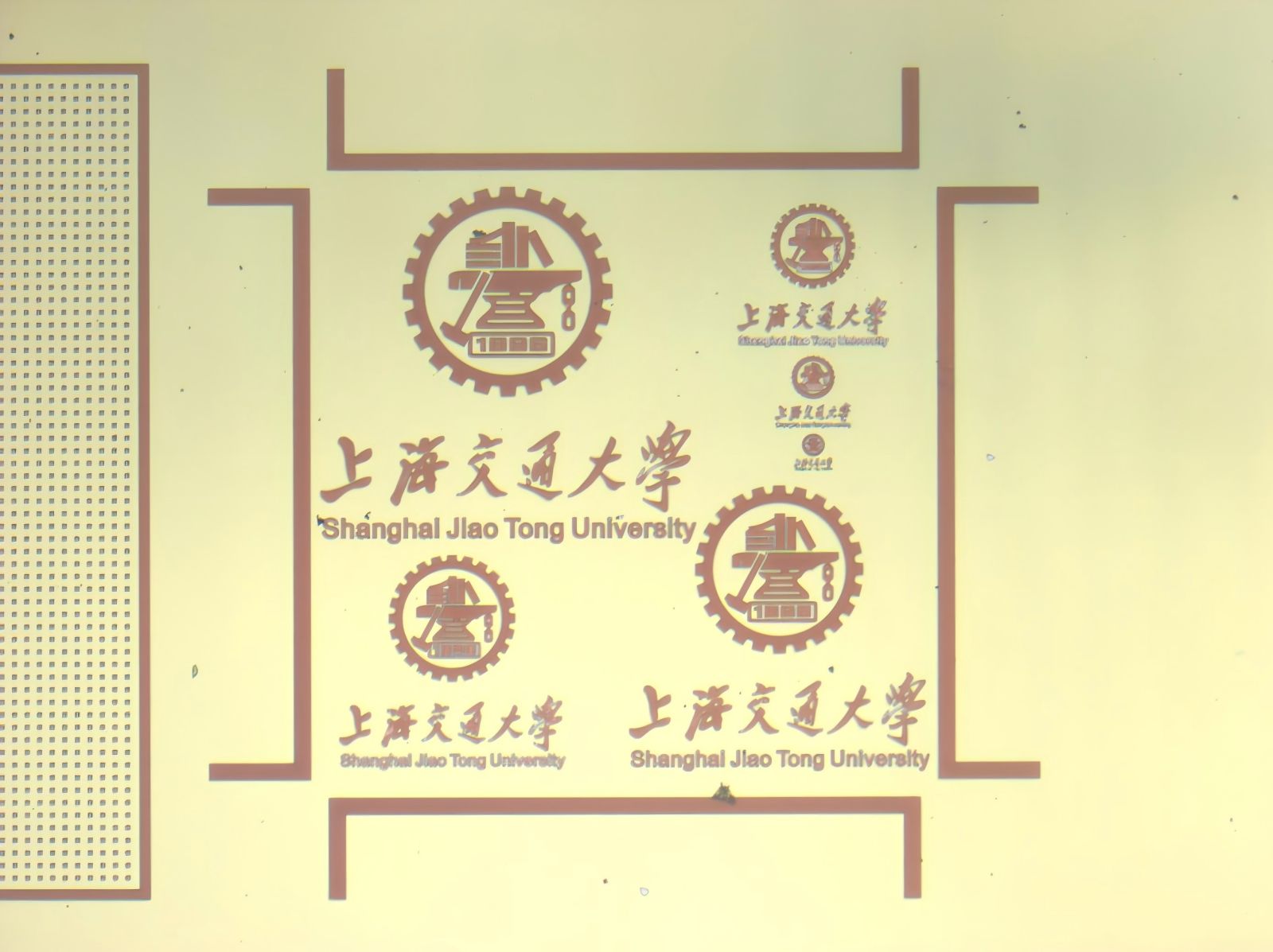
Sample compatibility: supports sizes up to 4 inches and wafer fragments; contaminated samples are not accepted.
Rotate the objective turret to switch objective lenses.
1. Samples within 4 inches and wafer fragments are acceptable. Contaminated samples are not allowed.
2. Switch objective lenses by rotating the objective turret. Keep the backside of the sample clean. Please turn the brightness down to the minimum after use.
3. Do not touch the equipment or operating computer during operation, to avoid accidental triggering of equipment shutdown or malfunction.
In case of any equipment alarm, please notify the corresponding equipment engineer.
1.Check whether the light source mode, aperture and brightness are set normally.
2.Check if the power cord is loose and the power socket is working properly.
3.Please contact the equipment engineer if a spare bulb needs to be replaced.

Address: 800 Dongchuan Road, Minhang District, Shanghai 200240, China
Tel: +86 21 3420 7734
Email: aemd@sjtu.edu.cn